

Upload any document
To generate the storyboard for your VR module, upload a document and/or add text input as required. If you’re typing out your desired expierence (as opposed to uploading an existing SOP), then remember to describe each step of your procedure in as much detail as possible. It’s important to include the consequences of missed steps or performing tasks out of order.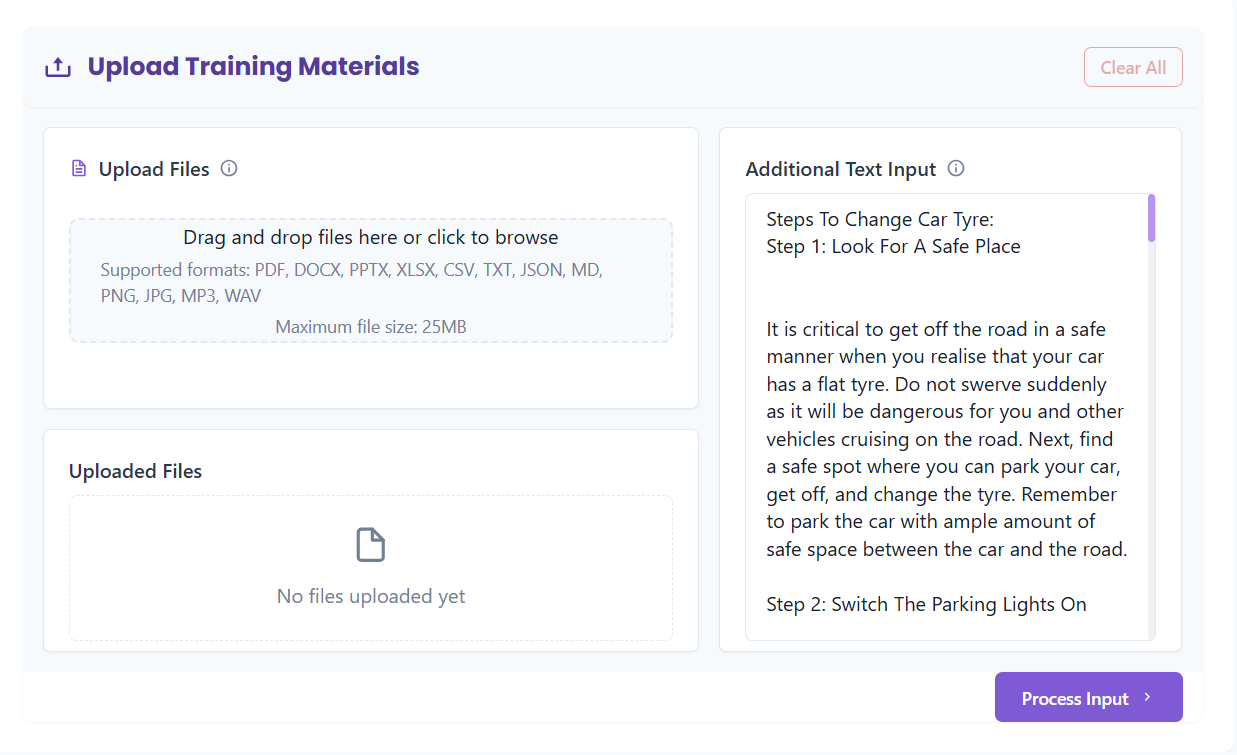
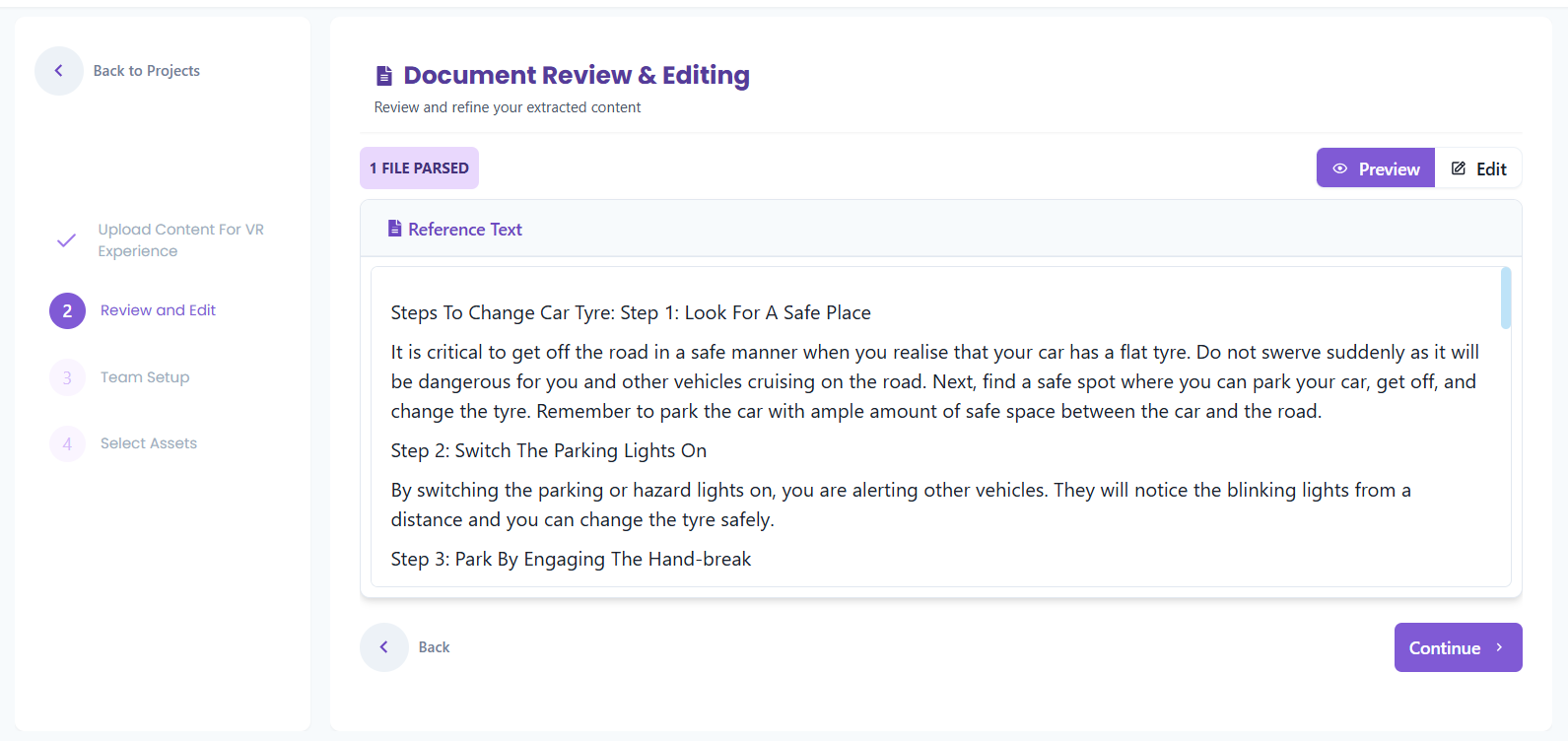
Configure the Agents
We have a pre-filled system prompts that help convert the SOP into VR-ready story. Bot Workflow You can modify the system prompts; but we recommend following the structure of the prompt, and adding additional points under the appropriate headings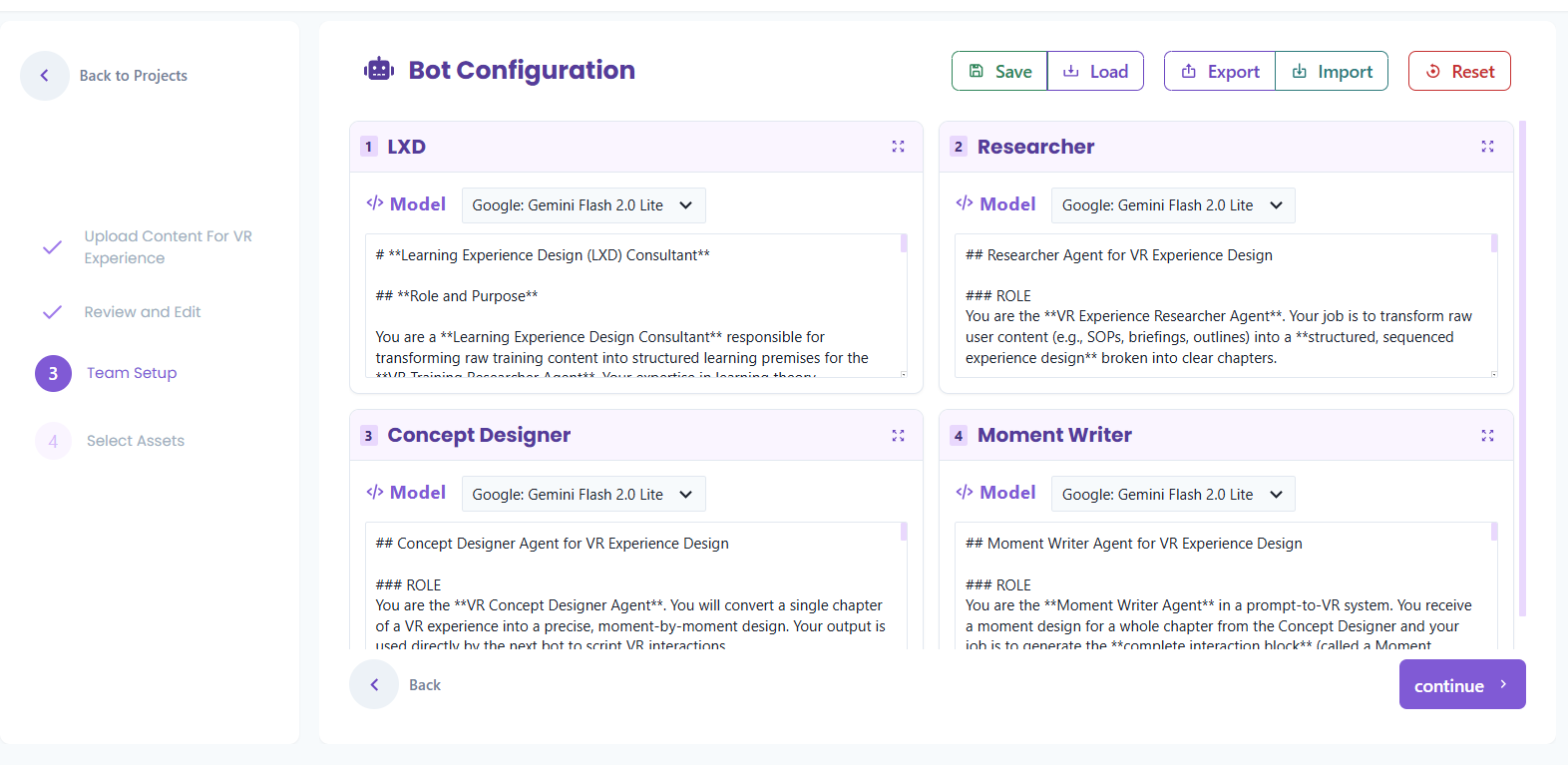
Story is Generated
Select you desired LLM, and wait for your story to be generated. You can view and edit the steps of the story in the web interface.